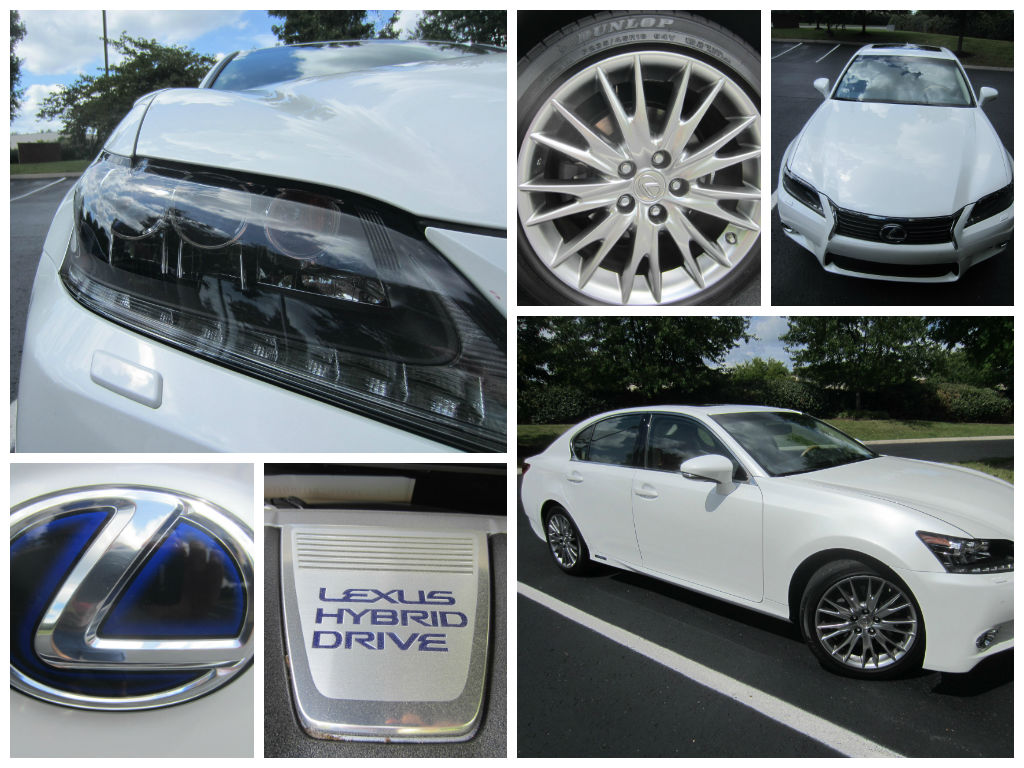
I’ve reviewed enough Lexus vehicles by now to have memorized the steps to sync my phone to the car. Now I want to help you learn how to do it. Okay, here we go…
Oh, and instead of boring you with long explanations, I’d rather just show you in pictures. You might laugh at my phone, though. It’s not a smart phone.
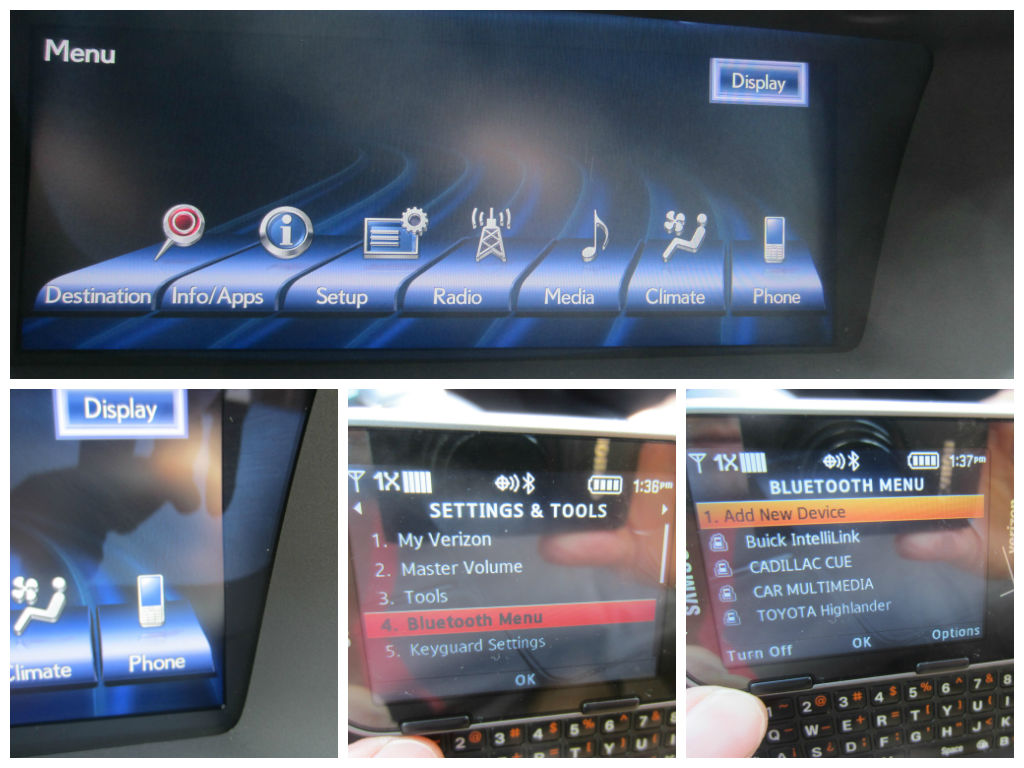
So first go to “menu,” which is likely a button on the mouse; near the gear shifter.
Next click “phone.”
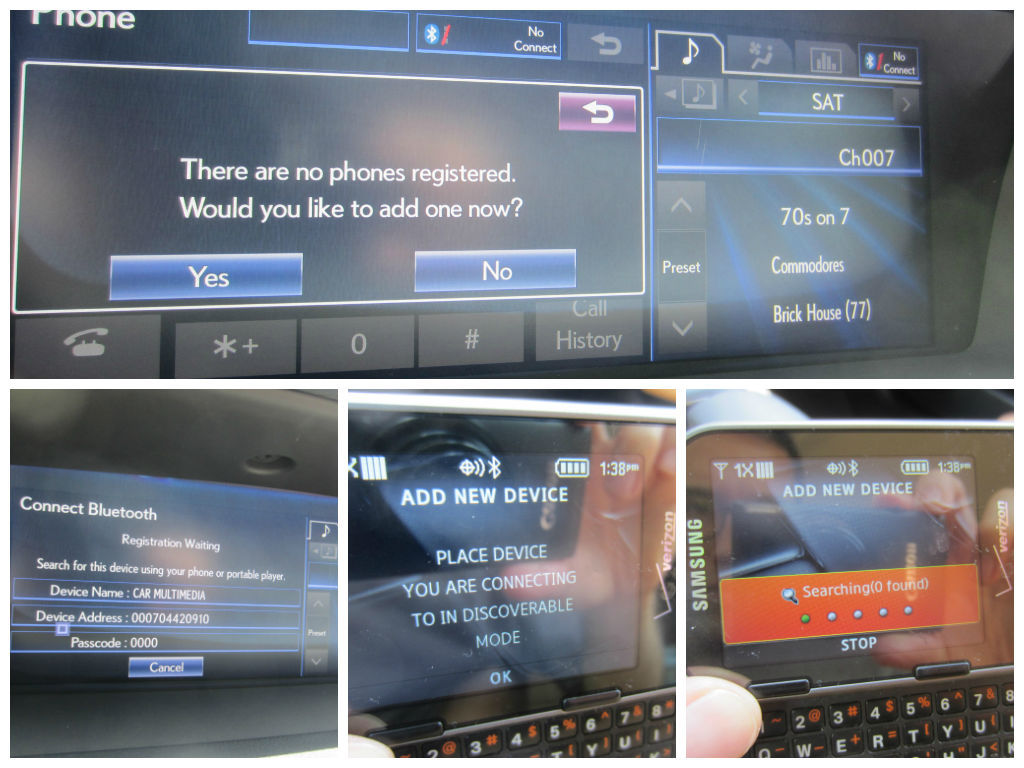
Meanwhile on your actual cell phone, go to “settings and tools,” then “bluetooth menu,” then “add new device.”
Once the “add new device” option shows up on your phone, direct your attention back to the Lexus, choosing to “register” your phone with the car.
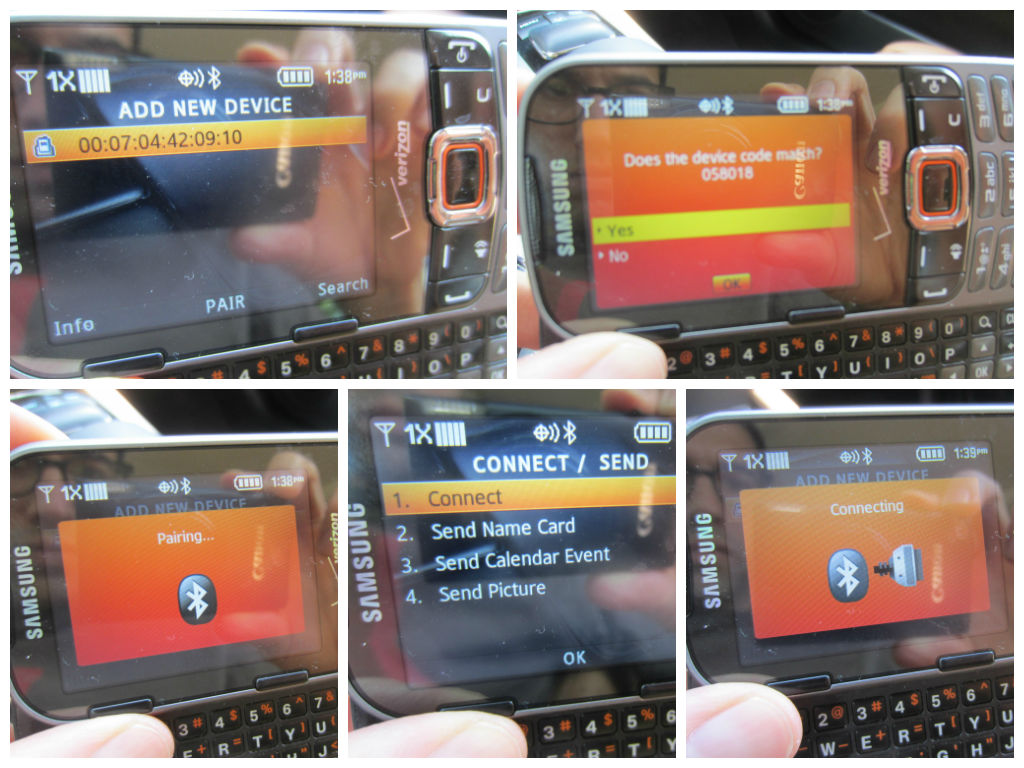
From there, your phone and the Lexus will take a few moments to “discover, pair, and connect.”
After that, you should be good to go. The next time a call is made or received, you’ll be able to carry the conversation over the car speakers.
This whole process takes less than a minute once you know what you’re doing.
Try it out. Let me know if you have any questions. I’m here to help.
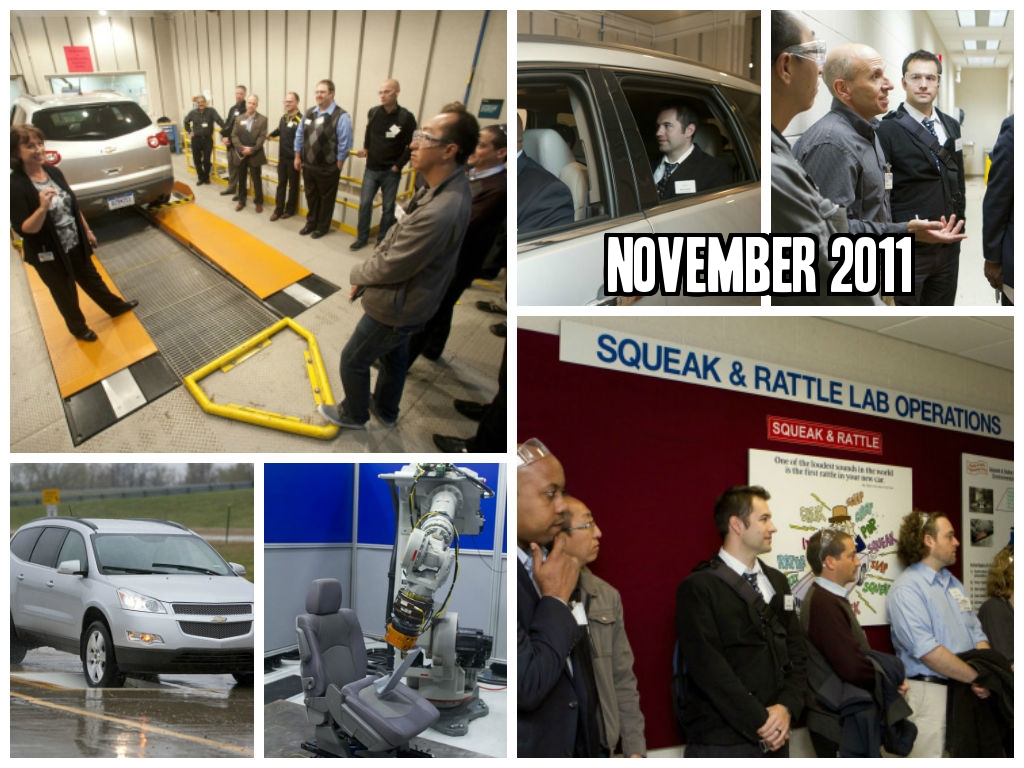
While I have been steadily (nearly weekly!) been reviewing cars from a family friendly perspective for a solid year now, it’s something I’ve actually been dabbling in before that; since November 2011.
Plus, I reviewed the 2015 Cadillac Escalade a couple of weeks ago. So over the past couple of years, I’ve become quite familiar with GM vehicles. In fact, my college car was a 1994 Oldsmobile Cutlass Supreme.
And when it comes to Buicks, my Italian grandfather loved them. He had owned both a Park Avenue and a LaSabre.
So while I did get to drive the new Buick through Detroit last year, I have been eager to try one out where I live in Nashville, TN.
Especially after seeing that very relevant and witty Buick commercial…
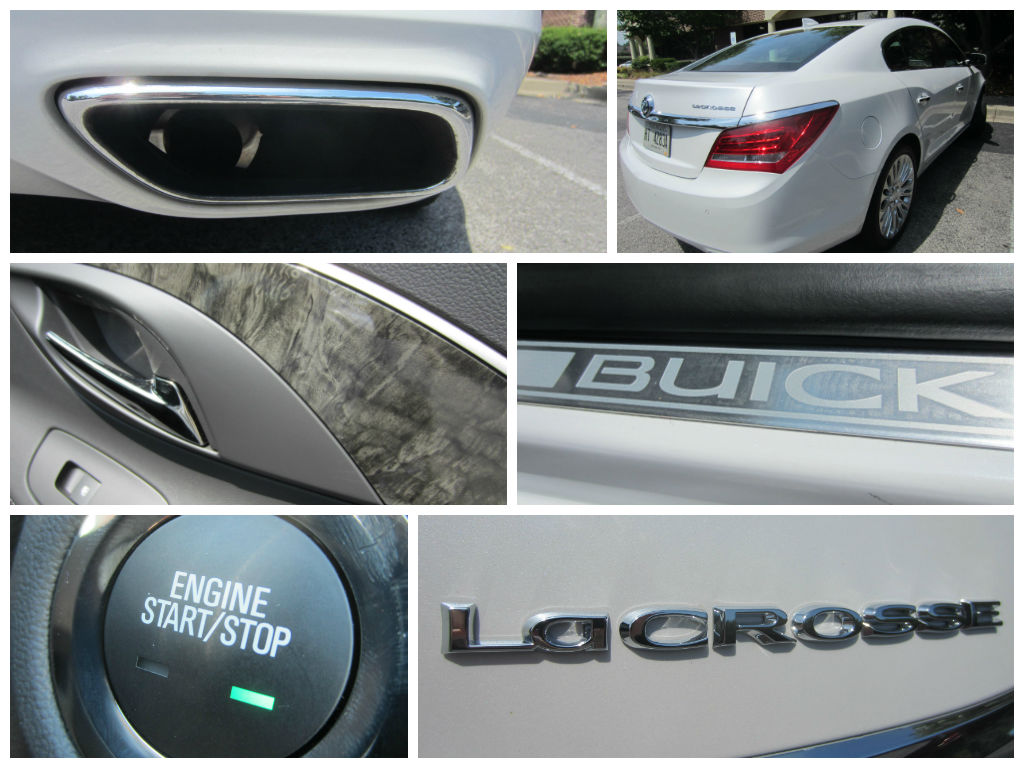
Well, I got my wish. Our family had the privilege of getting to review/model a 2015 Buick LaCrosse, which let me point out, is 4G equipped.
I can honestly say that for our Labor Day Weekend road trip from Nashville to Chattanooga to my hometown of Fort Payne, AL, and back, our son (age 3 years, 9 months) has never had a more peaceful ride.
He was too busy playing learning games on the Kindle in the back seat.
Just like any cool coffee shop, certain GM vehicles now have Wi-Fi.
As for me, I’m an OnStar abuser, if there is such a thing. I know that entering “Whole Foods, Chattanooga, TN” into the GPS is not that much of a chore…
But if all I have to do is press one button (the OnStar button) and ask the friendly Michigan-accented person on the other end to send “Whole Foods in Chattanooga, TN” to my GPS, then I’m going to do it every time.
(And by the way, I like the Michigan accent. Think: Tom Selleck.)
During Labor Day Weekend, I took advantage of OnStar’s help no less than 8 times. I learned not to be shy about it after my last Detroit trip to the OnStar Headquarters.
Needless to say, we had a very fun-filled and random road trip. Be on the look-out for my upcoming story, 4G Equipped 2015 Buick LaCrosse: Labor Day Weekend Family Friendly Review.
For the past 2 weeks, I have been publishing posts on the Lexus NX, after having attended its Press Preview…
This makes the 8th and final story I plan to publish on the preview of the 2015 Lexus NX.
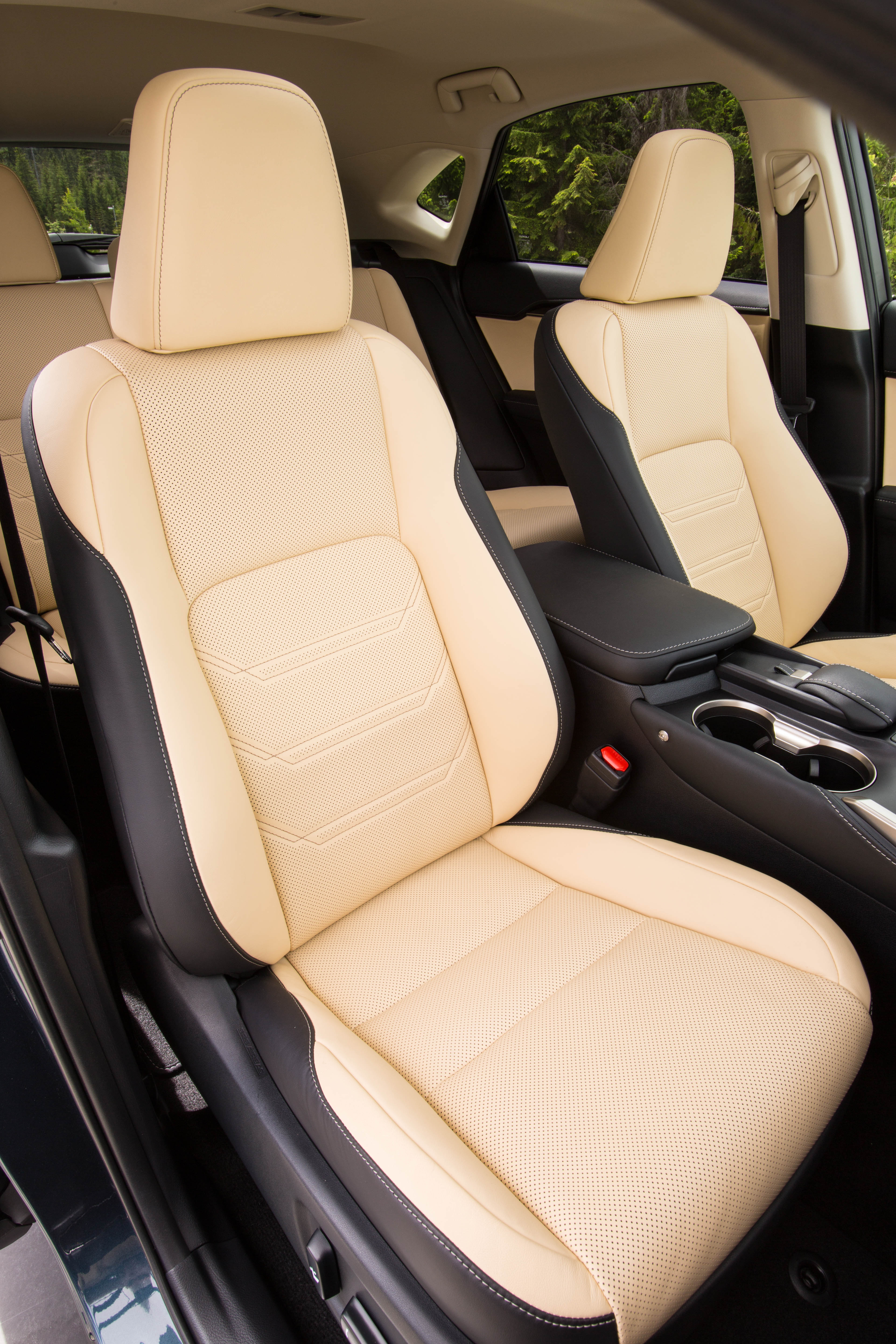
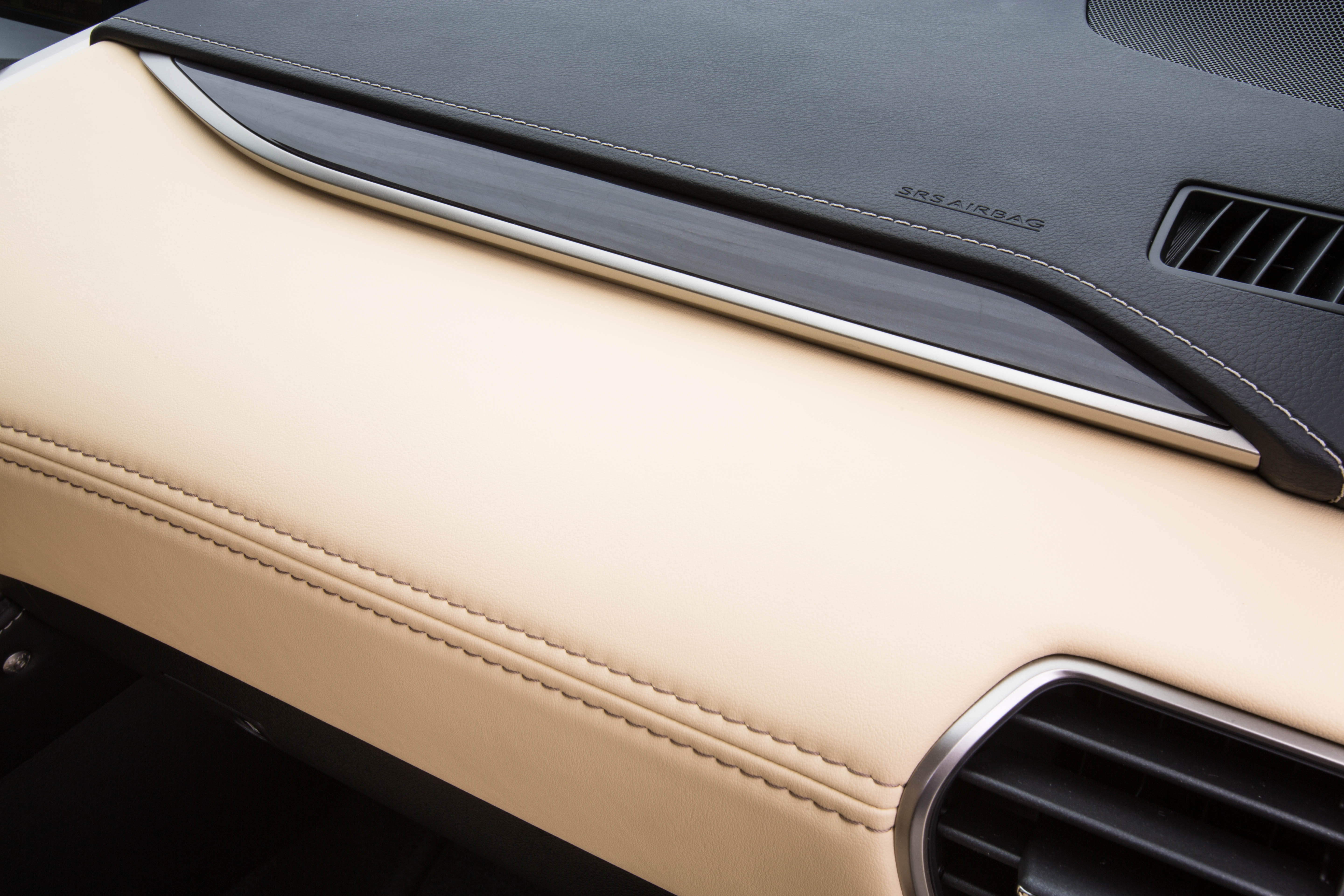
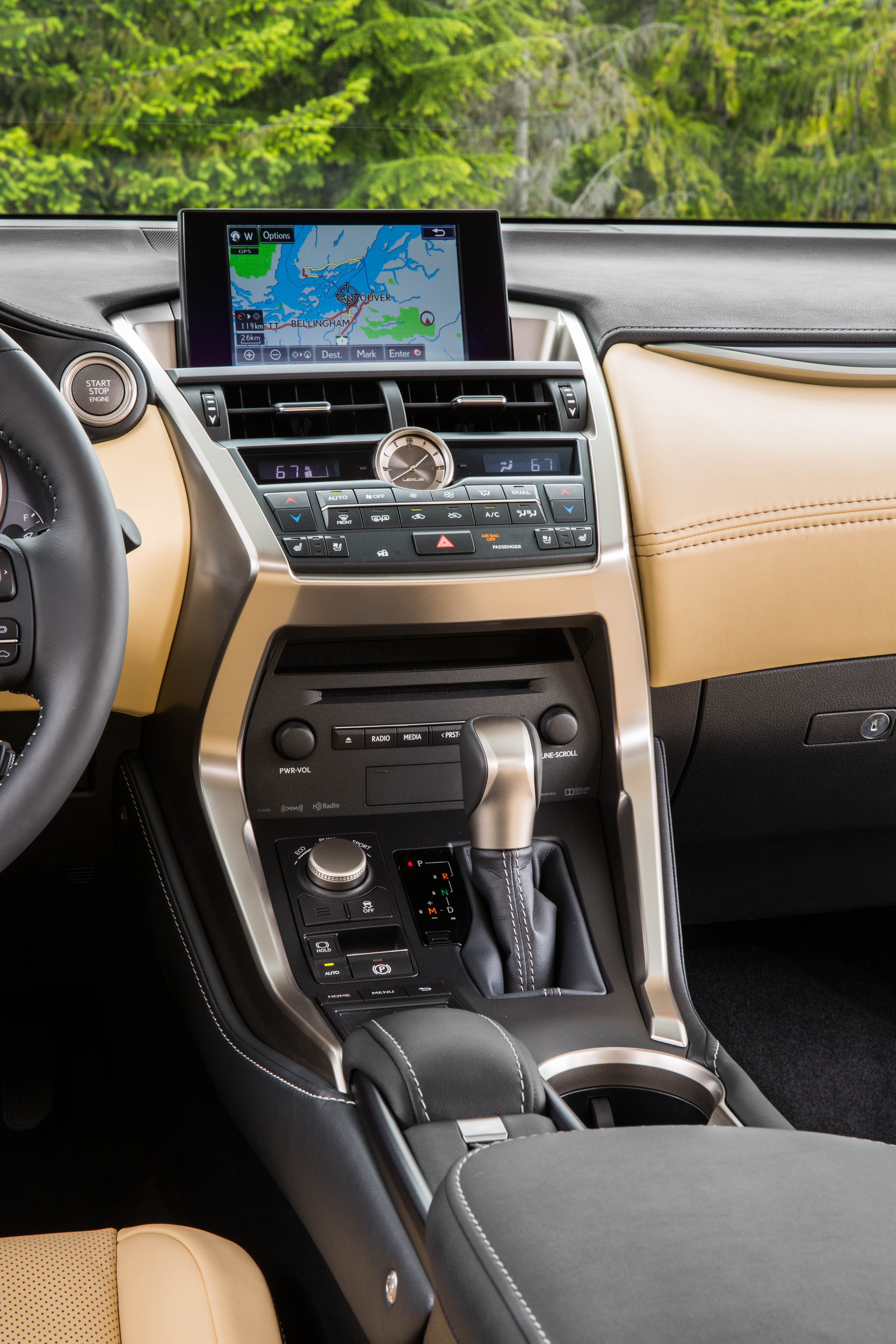
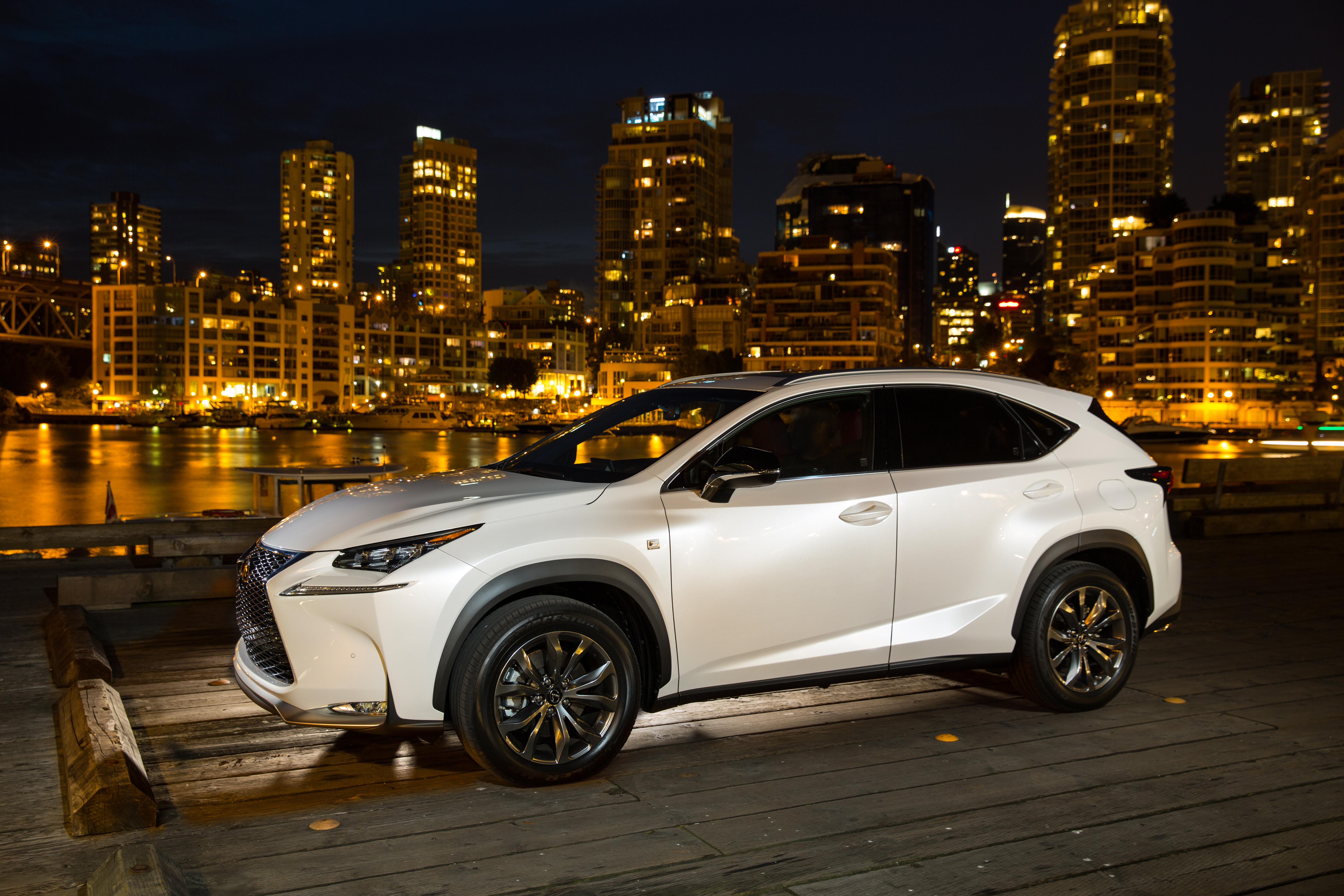
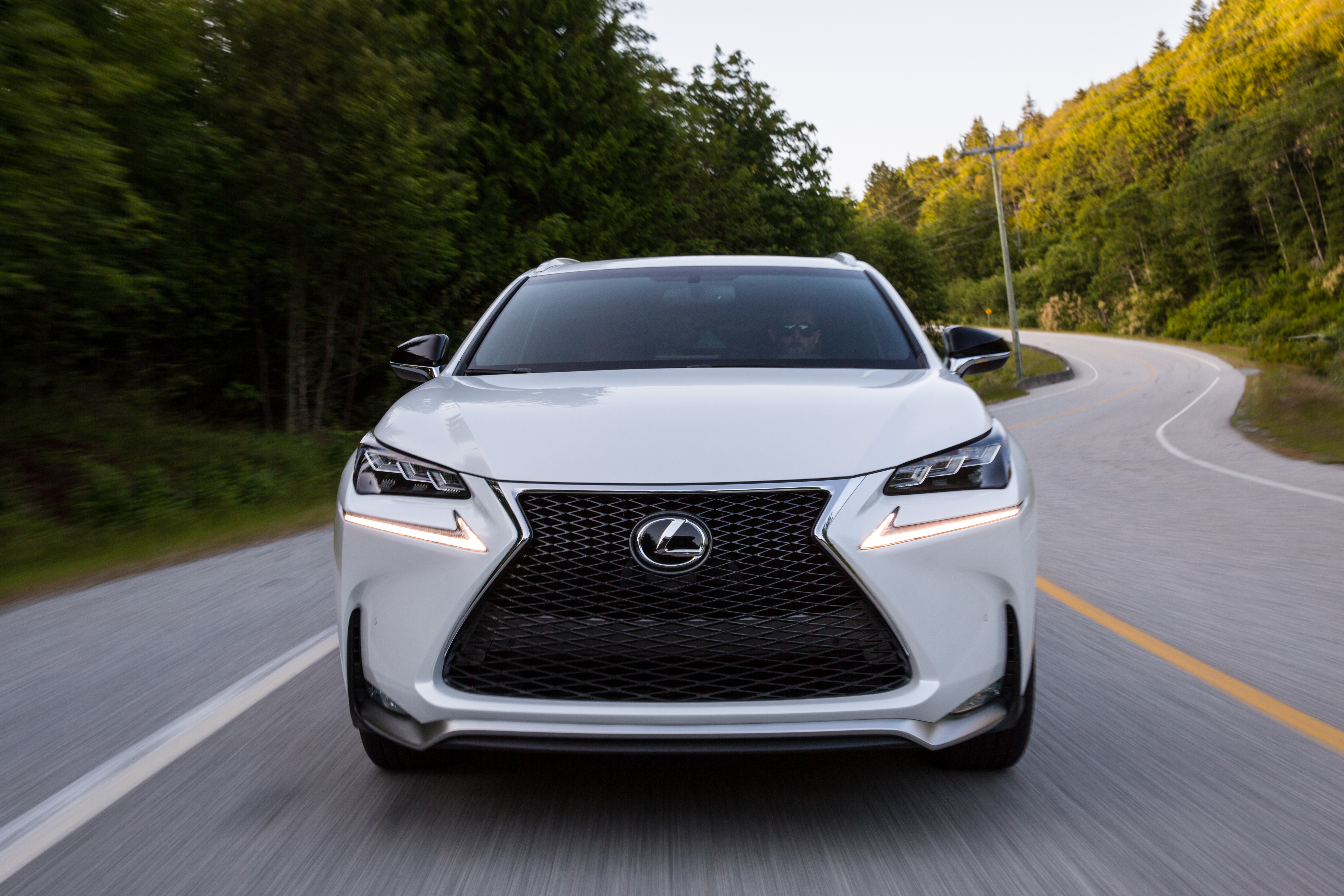
To make it convenient for anyone out there who is interested in info and/or professional photos on the NX, my goal today is to provide a sort of table of contents of the other 7 Lexus NX posts I’ve done; as well as share the link to the Lexus NX Press Release Flickr page.
I sort of feel it’s my duty as a car reviewer to release these pictures onto the Internet, as I am sure there are thousands are curious car fans across the world who would like to see professional shots of the Lexus NX, months before its release.
There’s plenty more where those came from…
So I again invite you to view the Lexus NX Press Release Flickr page, as well as the completely library of posts I’ve published on the 2015 Lexus RX:














 Family Friendly Daddy Blog